Upgradeable — Refurbished devices
304 refurbished laptops, desktops & mini PCs for running Ollama, LM Studio, Llama 3, Qwen, and Mistral locally — no cloud, no API key. Ships same day from Reno, NV.
Filter by AI capability
304 devices · Upgradeable
 Desktop
Lenovo
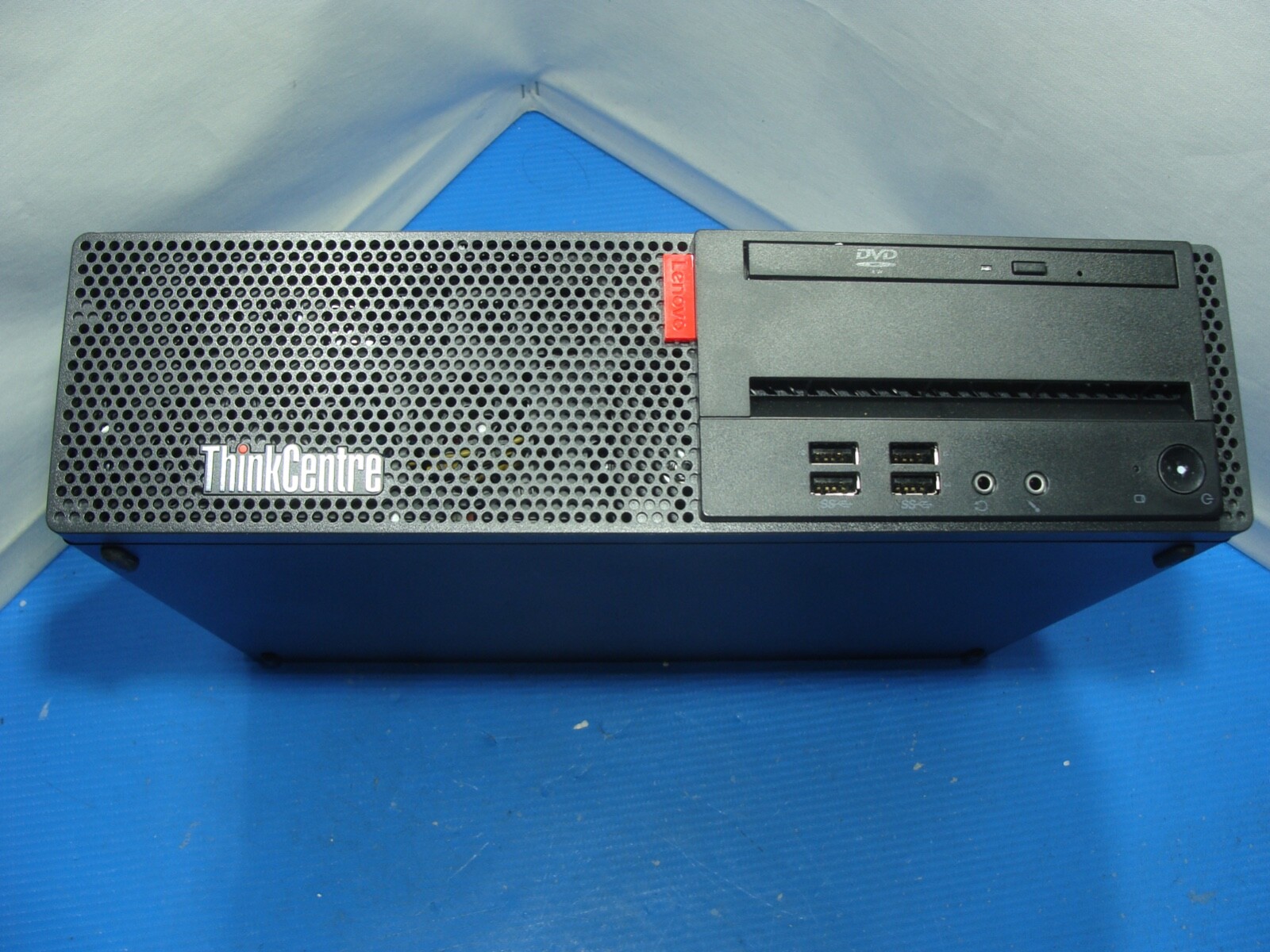
Lenovo ThinkCentre M710s SFF Intel i5-7400 8GB RAM Desktop PC NO HDD NO Adapter
DesktopLenovo
Lenovo ThinkCentre M710s SFF Intel i5-7400 8GB RAM Desktop PC NO HDD NO Adapter
 iMac
iMacApple
Apple iMac 14,1 - 21.5" FHD A1418 Intel Core i5-4570R 2.70GHz 8GB RAM 1TB
 iMac
iMacApple
Apple iMac MID 2014 21.5 Intel i5-4260u 1.40GHz 8GB RAM 512GB HDD Retina Display

 Mini PC
Lenovo
WIFI+BT Lenovo ThinkCentre M710Q MFF i5-7500T 2.70GHz 8GB RAM 256GB SSD Win10P

 iMac
iMacApple
Apple iMac 21.5-in 2017 Intel Core i5 2.3GHz 1TB HDD 8GB RAM Silver MMQA2LL/A


 Desktop
Lenovo
Lenovo ThinkCentre M720e i5-9400 2.90GHz 8GB RAM 256GB NVMe SSD Win 11 Pro


Microsoft
MS Surface Book 2 13.5"3000x2000 TOUCH i5-8350U 1.7GHz 8GB 256GB W11P Great Batt


 Desktop
Dell
Dell OptiPlex 3080 SFF Intel Core i3-10100, 8GB RAM, 256GB NVMe SSD, Win11Pro
 Mini PC
Dell
Dell Optiplex 3080 MFF Micro Tiny PC Core i3-10100T 3GHz 8GB 256GB NVMe Win 11 P
 Tablet/2-in-1
 Mini PC
Dell
Dell OptiPlex 7050 Micro Intel Core i5 7500T 2.7GHz 8GB RAM 512GB SSD W11P


 Desktop
Dell
Dell OptiPlex 3080 SFF Intel Core i3-10100 8GB RAM 256GB NVMe SSD Win11P Grade A


 Desktop
Dell
Dell Optiplex 3080 SFF i5-10505 3.20GHz 8GB 256GB NVME SSD Win 11 Pro /Grade B


Microsoft
Microsoft Surface Book T S 13.5" i7-6600U 8GB GeForce 940M 256GB SSD Silver W10h
 Desktop
Dell
Dell Optiplex 3080 SFF i5-10505 3.20GHz 8GB 256GB NVME SSD Win 11 Pro /Grade A
 Mini PC
Dell
Dell Optiplex 3080 MFF Micro Tiny PC i3-10100T 3GHz 8GB 256GB NVMe WIFI Win 11 P
 MacBook


How to run AI locally
Pick a device
Filter by tier, brand, or type.
Install Ollama
Free. ollama.com. 2 minutes.
Pull a model
ollama run llama3
Chat privately
Nothing leaves your machine.
Common questions
What laptop do I need to run Llama 3.1 locally?
To run Llama 3.1 8B comfortably, you need at least 16GB RAM. For Llama 3.1 70B, you need 32GB+ RAM or a GPU with 16GB+ VRAM. Apple Silicon MacBooks (M1/M2/M3/M4) with 16GB unified memory run 8B models at 20–40 tokens/sec with no setup beyond installing Ollama.
Can I run local AI on a laptop without a GPU?
Yes. CPU-only inference works well for 7B–8B models on any laptop with 16GB+ RAM. Expect 5–15 tokens/sec, which is readable in real time. For faster speeds, a laptop with a discrete NVIDIA GPU (6GB+ VRAM) or Apple Silicon is recommended.
How much RAM do I need to run AI models locally?
8GB RAM is the minimum — runs Phi-4 Mini and Llama 3.2 3B only. 16GB RAM runs Llama 3.1 8B and Qwen3 7B at usable speeds. 32GB runs Qwen2.5 14B and 32B Q4 models. 64GB runs 70B models at full quality.
Do desktops and mini PCs work for local AI?
Yes. A Dell OptiPlex or Intel NUC with 16GB RAM runs 7B models well. Gaming desktops with RTX GPUs (8GB+ VRAM) handle 13B–32B models at 20–50 tokens/sec.
Is Apple Silicon (M1/M2/M3/M4) good for running local AI?
Apple Silicon is excellent for local AI. Unified memory means the GPU and CPU share the same RAM pool, so a 32GB M2 Pro can offload a full 32B model to the GPU. Metal acceleration is automatic via Ollama. M1 16GB runs 8B models at 20–30 tokens/sec. M2/M3/M4 32GB runs 32B Q4 models at 15–25 tokens/sec.
How do I start after buying a device?
Install Ollama from ollama.com (free, 2 minutes). Open Terminal and run: ollama run llama3.1:8b — it downloads the model and starts automatically. For a ChatGPT-style interface, install LM Studio from lmstudio.ai. No cloud account, no subscription, no data leaving your machine.